Reading time:
Why self-service kiosks belong in every modern restaurant
Kiosks aren't about replacing staff. They're about freeing up the people you already have to do the parts of the job a screen can't — and giving guests a faster way through the queue when they already know what they want.

Article written by
PubQ Team
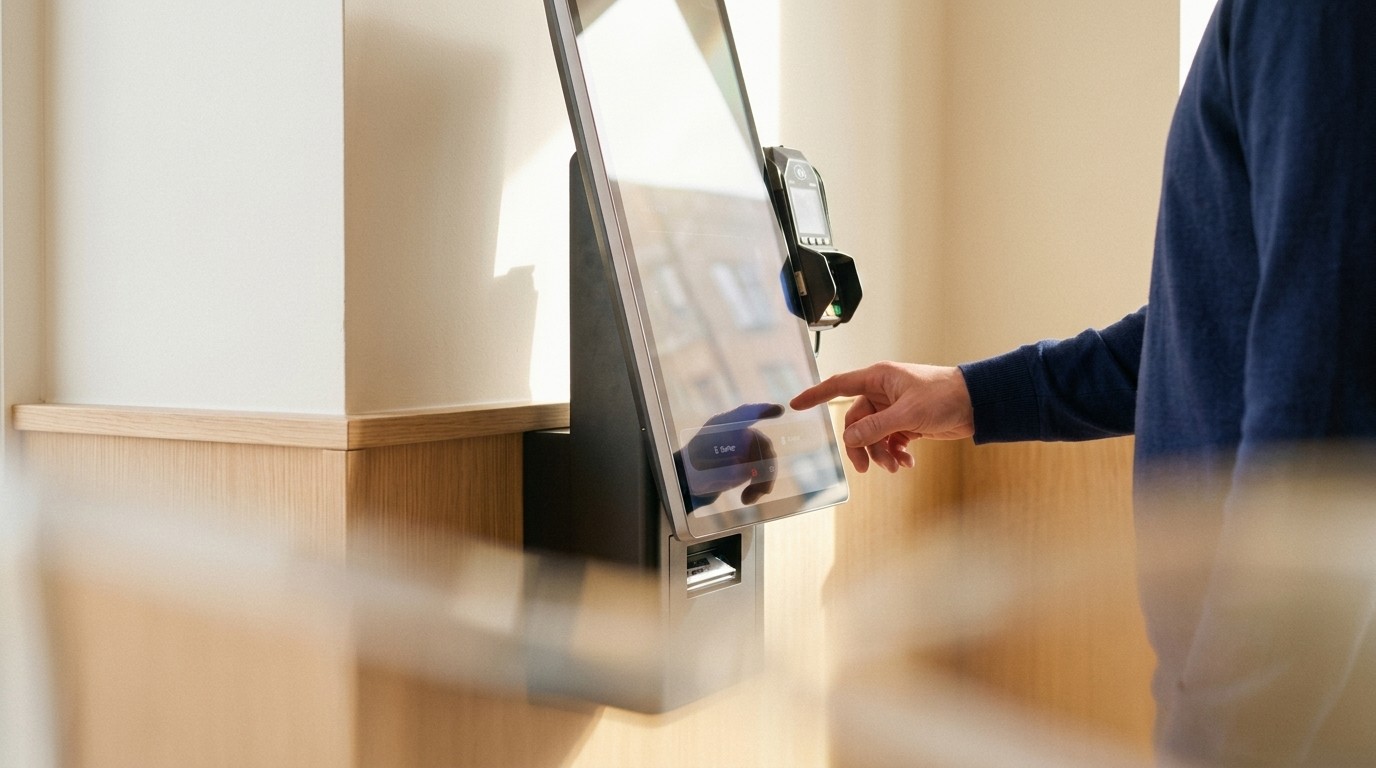
There's a familiar moment in any busy lunch service. A line forms at the counter. The cashier is taking an order, the kitchen is calling out a ticket, the phone is ringing, and somewhere in the queue is a guest who knows exactly what they want and just wants to pay and leave.
That guest is the case for a kiosk. Not the only case, but the clearest one.
What a kiosk actually does
A self-service kiosk takes the orders from people who are happy to tap through a menu themselves. It does not take orders from the people who want to ask questions, see the dish of the day, or talk to staff. Both groups exist. A kiosk lets you serve them in parallel instead of in sequence.
The knock-on effect is the part that surprises operators the first time they see it. The cashier suddenly has time to do the things only a person can do — recognise a regular, walk a hesitant guest through the menu, pull a coffee while a couple decide. The line moves faster and the service feels more personal, because nobody at the counter is rushing to clear a queue.
The numbers usually move in three places
When kiosks are deployed well — meaning the menu is clear, the flow is fast, and the kitchen can actually keep up with the throughput — three metrics tend to shift:
Average ticket goes up. Guests order more when they're not under social pressure. Add-ons that staff feel awkward suggesting ("do you want fries with that?") get tapped through without friction. Most operations see 10–20% lift on average ticket size.
Throughput at peak goes up. Two or three kiosks plus one staffed register handles more lunch volume than three staffed registers. The bottleneck moves from order-taking to the kitchen, which is where you actually want it.
Order accuracy goes up. The guest builds the order themselves. Modifiers get applied where they should. The kitchen ticket prints exactly what the guest tapped.
Where kiosks fail
Kiosks are easy to get wrong. The failure modes are predictable:
Menu structure copied from the wall. A wall menu is read from a distance. A kiosk menu is tapped through one screen at a time. They're different formats. If the kiosk just mirrors the wall, the flow gets slow and frustrating.
No fallback when the kitchen is buried. When the queue at the kiosk gets faster than the kitchen, you end up with a wall of completed tickets and angry guests. The system needs to throttle, communicate wait times, or signal staff to slow the front-of-house.
Treating kiosks as replacement instead of augmentation. The operations that get the most out of kiosks treat them as a parallel channel. The ones that try to remove staffed registers entirely tend to lose the guests who don't want a screen.
What to look for in the system underneath
The hardware is easy. The software is what matters. A kiosk is only as useful as the system it's connected to — the same menu the app uses, the same kitchen display the POS prints to, the same sales data flowing into the same back office.
If the kiosk lives on its own island, you've added a channel without the visibility. If it's part of an omnichannel setup, the kiosk is just another way for the guest to talk to the same kitchen.
Where to start
One kiosk in a high-traffic location is more useful than four kiosks deployed everywhere. Pick the spot where the queue forms first, run it for a month, watch what happens to throughput and average ticket. Then decide where to put the next one.
Curious about deploying kiosks in your restaurant? Talk to us — we'll help you figure out where they'll actually move the needle.
Article written by
PubQ Team
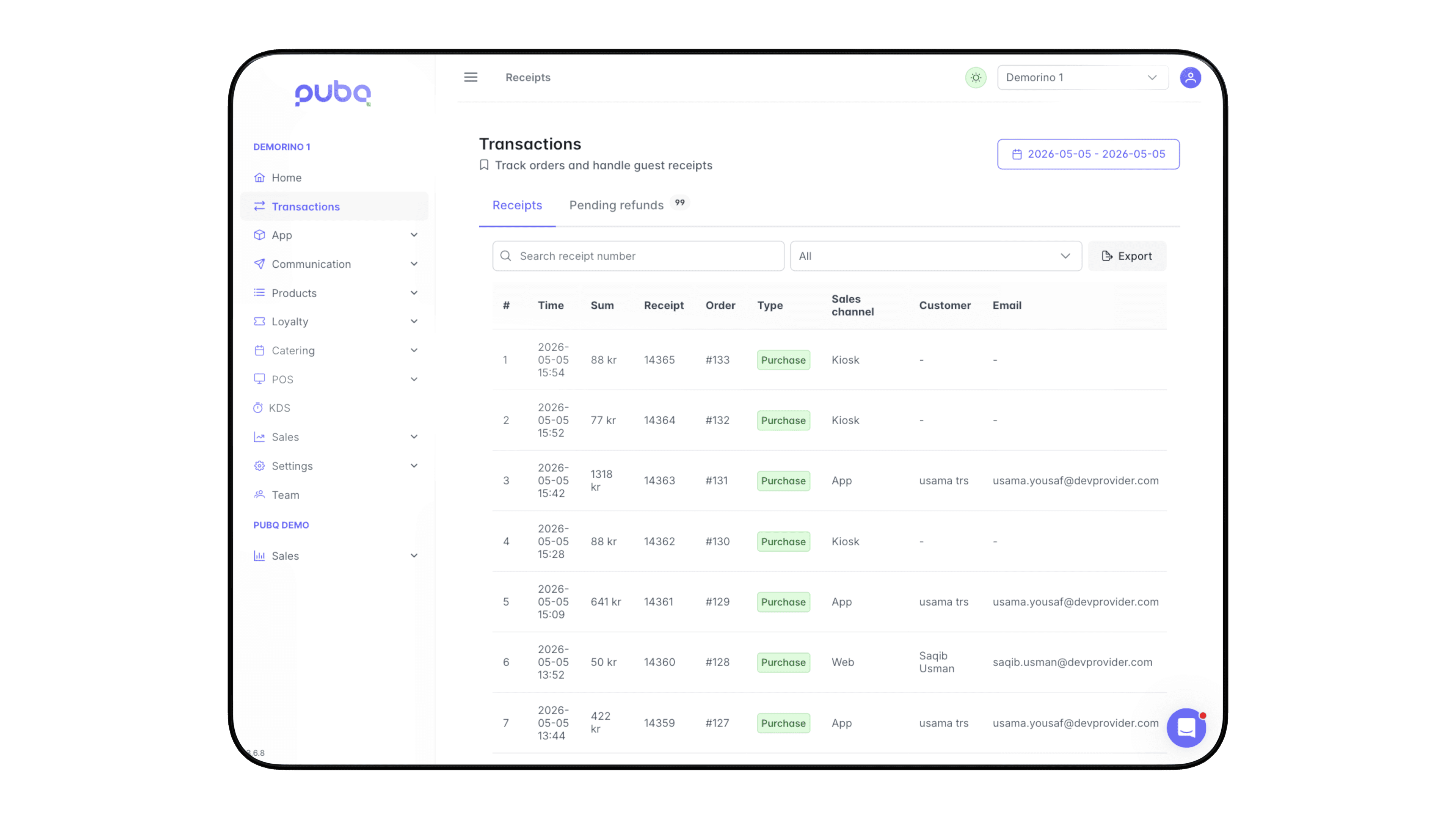
Data and insights in My PubQ
We would love to show you what PubQ can do for your business.