
Point of sale
Sell at the counter without creating extra admin
One cloud-based till for counter sales, connected to your app, kiosks and Web Order. Menu, prices and loyalty stay in sync across every channel.












How it works
One till, one menu, one source of truth
Same menu everywhere
The POS uses the same product catalogue as your app, kiosks and Web Order, so products and prices stay consistent everywhere.
Always up to date
Update products, prices or modifiers once in My PubQ, and every channel updates automatically.
Payments that fit your setup
Take payments with SoftPOS or connect your existing terminal. Support card payments, Swish, employee cards and invoice flows.
Hardware that fits your counter
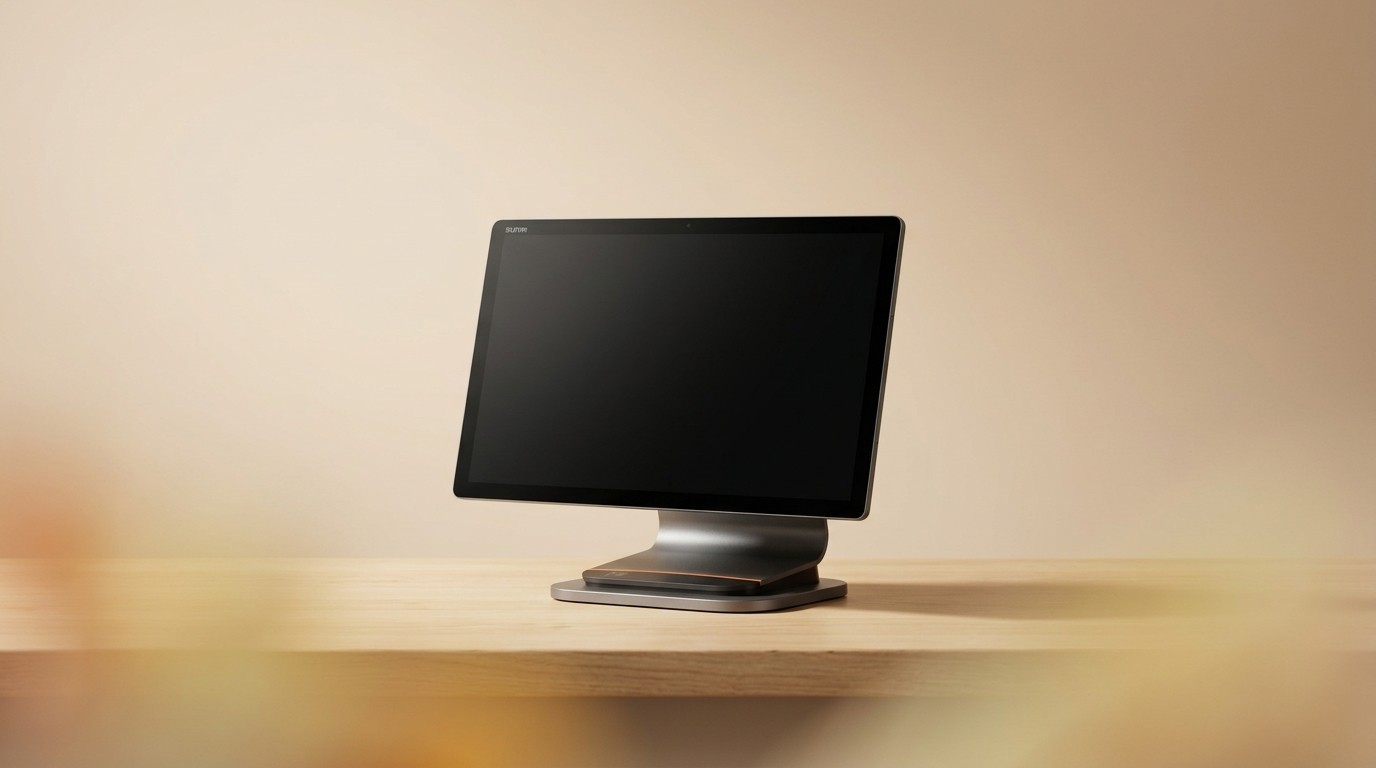
Run on a tablet, a fixed counter station or a bar setup with printer and scanner support.
For the sales that need staff
Staffed counter
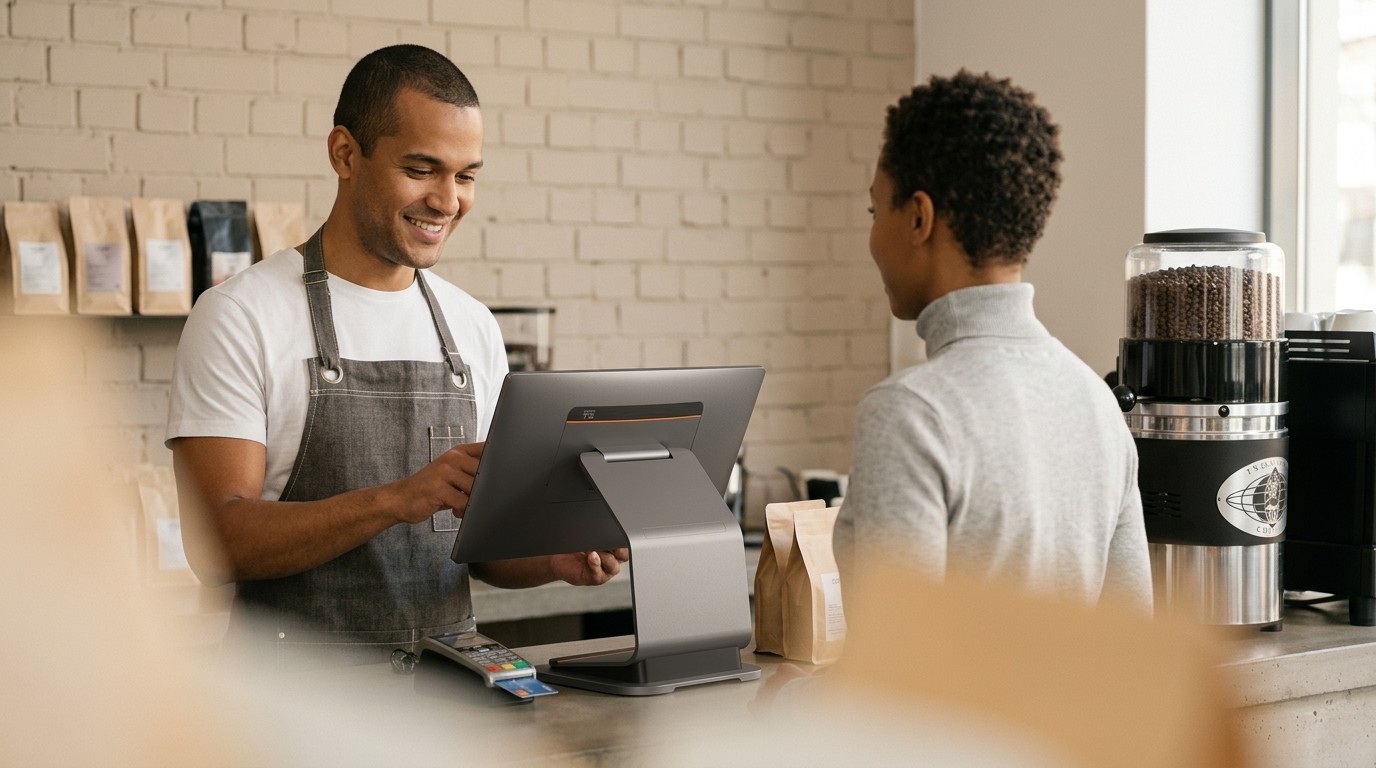
Some guests want to talk to a person: international visitors, allergy questions, or anyone who'd rather not use a screen. The same prices, products and loyalty apply at the till as in your other PubQ channels.
Events and pop-ups
Use POS for festivals, pop-ups, summer kiosks and temporary sales points. Log in and start selling from the same setup you use every day.
More features
Standard in every POS
SoftPOS payments
Take card payments directly on the screen, without a separate terminal if SoftPOS is part of your setup.
External terminal supported
Already use a payment terminal? Connect it to the till and keep your existing setup.
Employee card payments
Let guests pay by tapping an employee card or scanning a tag. Payments can be handled through payroll deduction, employer invoicing or another agreed setup.
Orders to the kitchen
Send till orders straight to the kitchen display. POS, app, kiosk and Web Order sales can all appear in the same kitchen flow.
Printed or digital receipts
Print a receipt or email it to the guest. Receipts use the same VAT setup and are stored in My PubQ.
Plug and play
Connect your screen, payment setup and internet connection. Log in to My PubQ and start selling from your connected menu.
For the operator
What changes for your team
One menu to maintain
Edit products, prices and modifiers once in My PubQ. POS, kiosks, app and Web Order all stay connected to the same source.
Faster onboarding for new staff
If they've used the kiosk or app side, the till feels familiar. Same product cards, same modifiers, same flow, on a different screen.
All your sales in one dashboard
Sales from every channel land in My PubQ. Daily takings, payment splits and channel breakdowns sorted in one place instead of four.
Same loyalty across every channel
Guests can earn points, use offers or access employer pricing at the till, just like they do in the app or kiosks.
Frequently asked questions
How long until a new station is selling?
Do you supply the hardware?
Which payment methods does it support?
Can we use it for events and pop-ups?
Does the POS replace self-service, or sit alongside it?
Get started