
Catering
Take catering orders online, from companies and the public
A catering site for your restaurant. Set up business customers with their own delivery places and invoice billing.












My PubQ
Set up business customers in minutes
Add the company. Define its delivery places — head office, branches, individual meeting rooms. Invite guests by email. They sign in, see only the locations they're allowed to use, and check out on the company invoice.
Flexible setup
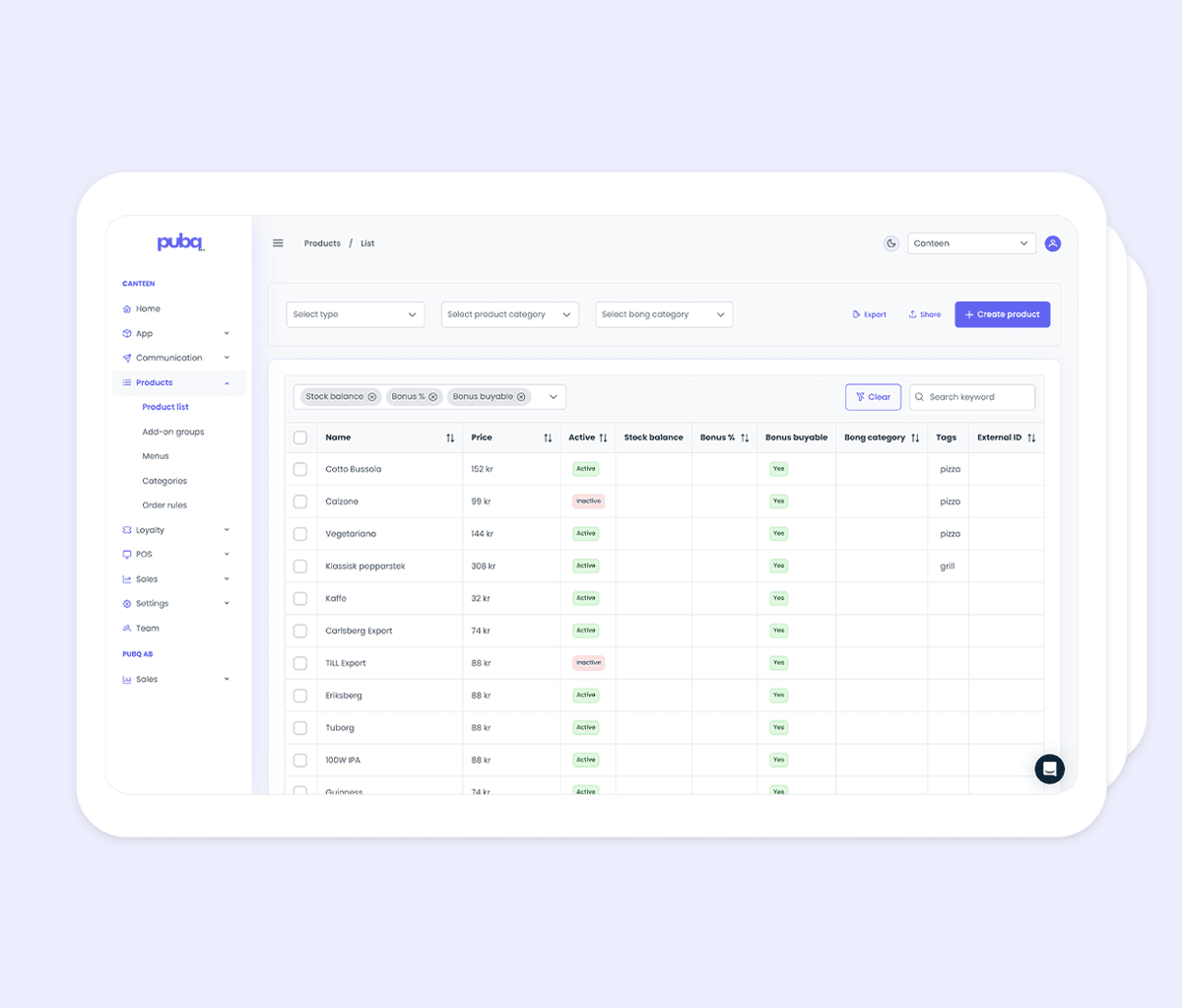
Configurable down to every product
Production days
Each product is only available on the days you can make it.
Min and max quantities
Cap order sizes per product.
Ingredients and allergens
Listed and tagged for every item.
Cutoffs and time slots
Order-by rules and pickup windows guests pick from at checkout.
Two ways guests order
As a company customer
Invited business guests sign in, see their company's delivery places — including specific meeting rooms — and check out on the company invoice. No card details, no chasing payment later.
As a walk-in customer
Anyone can buy directly from the catering site for pickup. Useful for seasonal pushes like semlor before Lent or charcuterie boards before the holidays. No account needed, paid at checkout.
Built in
Standard in every catering setup
Pickup, delivery, or both
Each delivery method is configured separately, with its own time slots and cutoffs.
Time slots at checkout
Set the windows guests can pick from per day and delivery method.
Instant order alerts
A new-order email is sent to the address you choose, the moment an order is placed.
Status emails to guests
Order confirmations and status updates are sent automatically.
Customer accounts
Returning guests sign in to see history, current status, and reorder.
Themed to your brand
Style colors, fonts and copy on the catering site to match your restaurant.
Daily operations
Order management built for the kitchen
Smart date picker
Pickup and delivery dates come from each product's production schedule, so guests only book what the kitchen can actually deliver.
New order alerts
Restaurant teams get an email the moment a catering order lands, so nothing sits unseen in an inbox.
Order overview in MyPubQ
Filter and print orders by date, delivery method or status. Update each order as the kitchen works through it.
B2B, B2C or both
Run business catering only, consumer catering only, or both side by side. Switch on what fits your operation.
Common questions about catering
How do I set up a corporate client?
Can guests order without a company account?
How do guests know which dates and times they can pick?
What happens after a guest places an order?
Can I run a seasonal menu alongside the regular one?
Catering