
Web Order
Online ordering for takeaway and table service
Add PubQ Web Order to your website or connect it to QR codes in your restaurant. Guests order and pay online with card, Swish or Apple Pay.
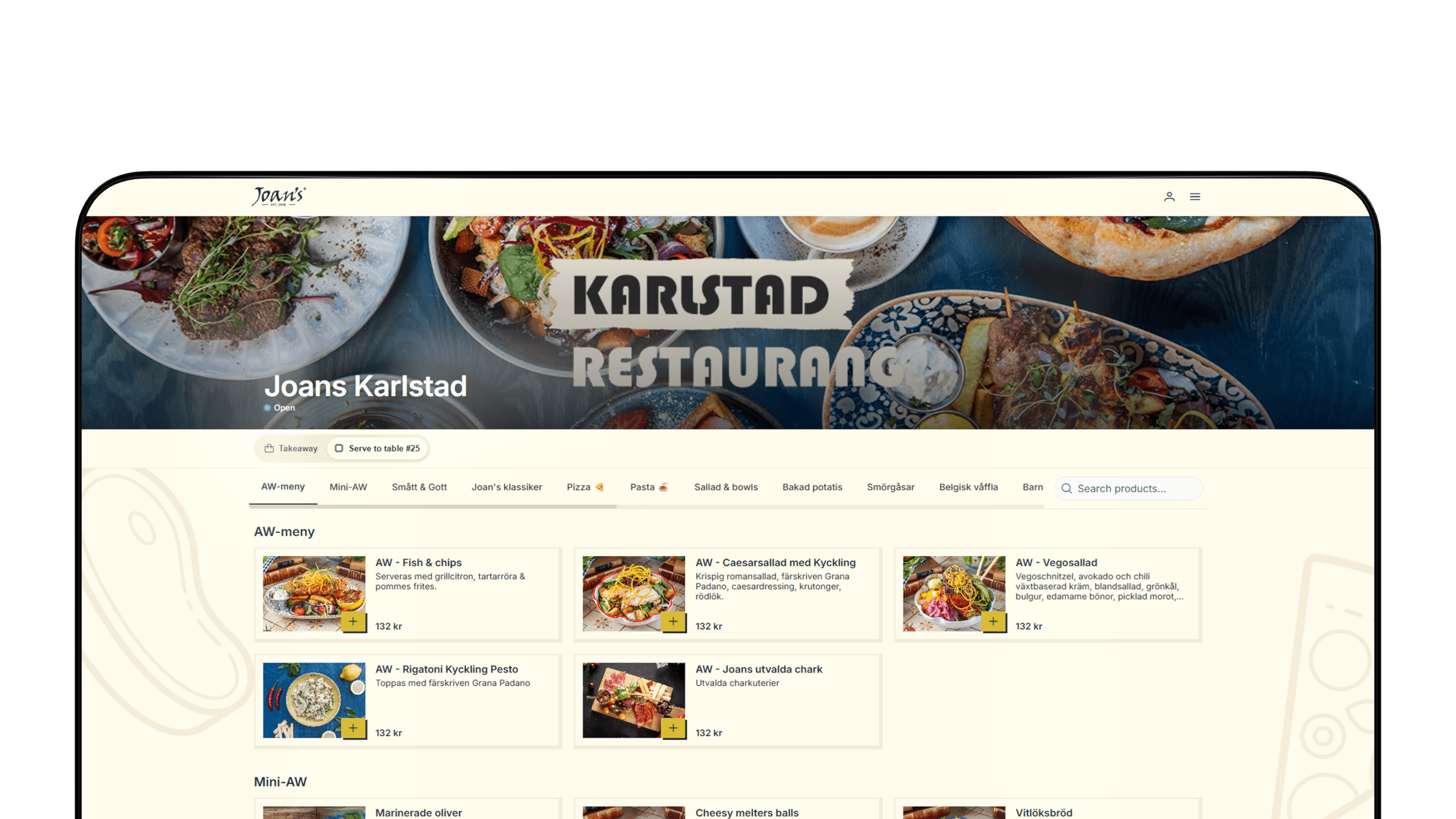












What guests do
Let your guest order at the table
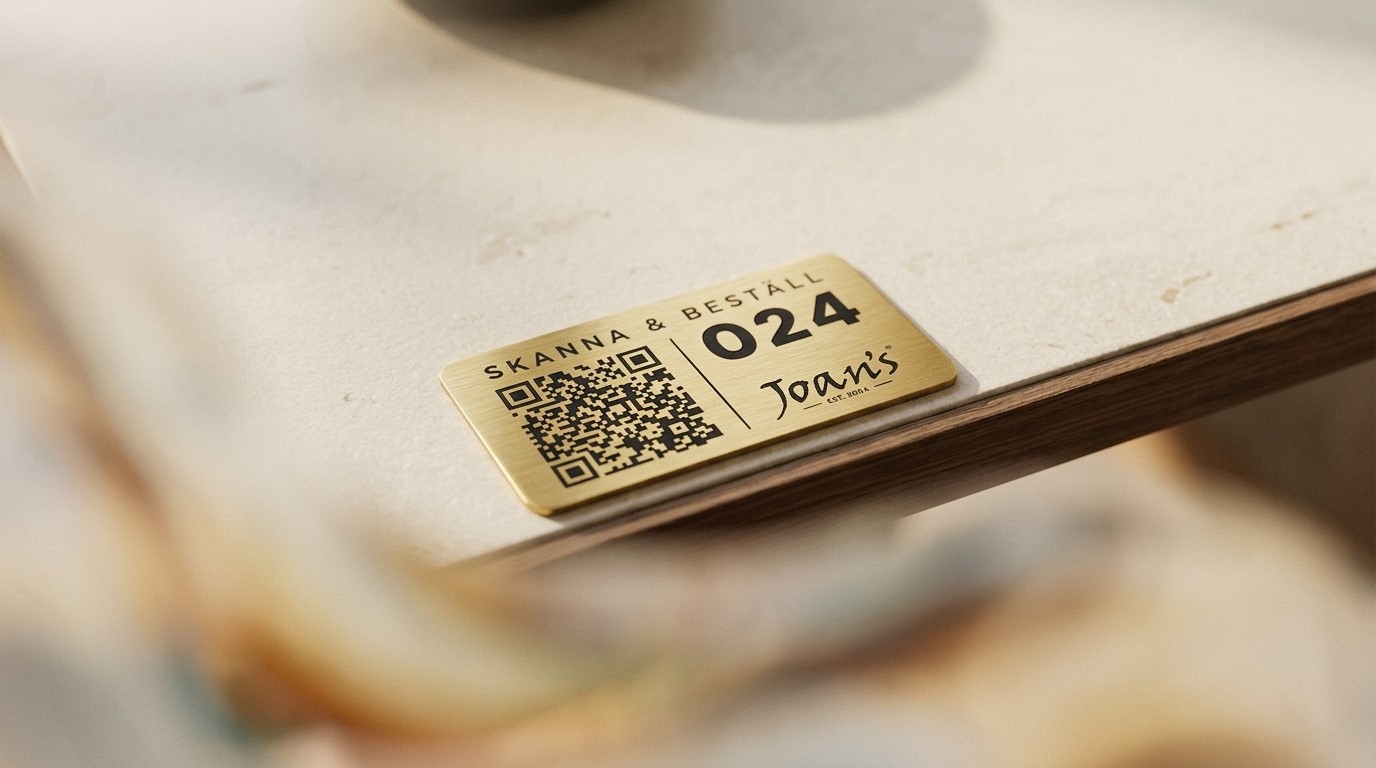
Scan the QR or open the link
Guests scan a QR code at the table or open a link from your website. The menu opens directly in the browser. No app, account or download needed.
Pick the food
Guests browse the menu, customise their order and add items to the basket.
Pay online
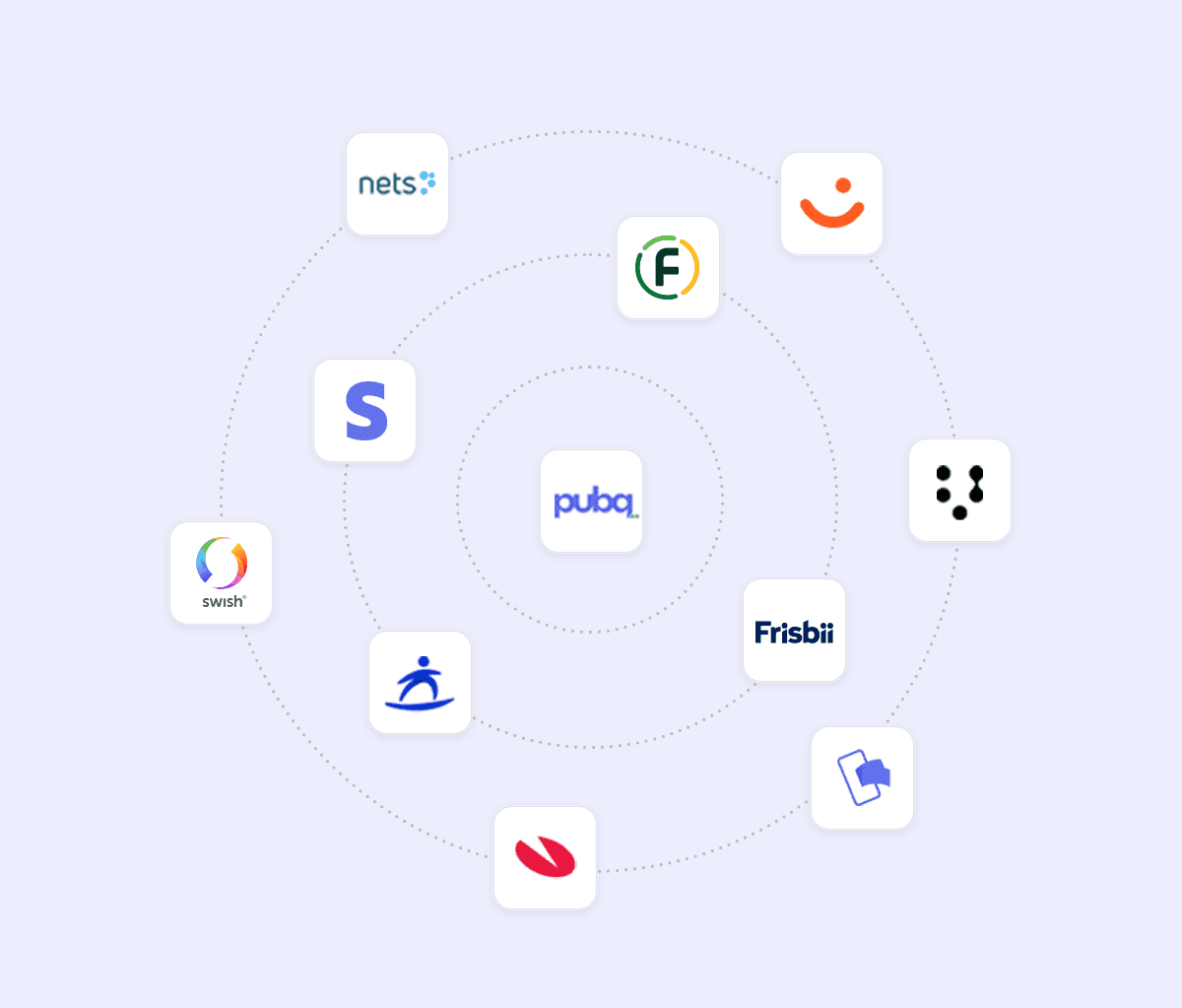
Guests pay by card, Swish, Apple Pay or other supported payment methods. New guests can check out directly.
Pick up or get served
Takeaway guests receive an SMS when the order is ready. Table orders are sent with the table number, so staff know exactly where to serve the food.
Two ways to order
QR code at the table
Guests scan, order and pay from their seat. The QR code identifies the table automatically, so the order reaches the kitchen with the right table attached.
Order from your website
Guests order from a simple link on your website. They choose a takeaway time, pay online and receive an SMS when the food is ready.
Behind the counter
What happens after the order
1
The order lands where your team works
Orders appear on your kitchen display, tablet or POS, wherever your team already handles incoming orders.
2
The kitchen prepares the order
Web Order joins the same queue as kiosk, app and POS orders. Your team works from one ticket flow, with one menu and one source of truth.
3
Staff mark the order as ready
When the order is done, staff mark it ready in the system. The digital receipt has already been sent to the guest.
4
The guest is notified
Takeaway guests receive an SMS or email when the order is ready. Table orders are served directly to the guest.
5
The food is handed over
The order is already paid, prepared and labelled. Staff can hand it over quickly without a till queue or receipt check.
6
Sales appear in your reports
Web Order sales land in the same reporting as your app, kiosk and POS orders, ready for your existing accounting flow.

"I see how much happier the staff are, how much faster it moves, how the flow just runs. Honestly, that's the only thing I need to think about in my role."
For the operator
What changes for your team
Fewer phone calls
Takeaway orders that used to take staff time at the till or on the phone now arrive directly in the system.
A smoother lunch rush
Orders keep coming in even when only one person is working the till. Your team can handle more volume without adding more pressure.
Less stress in the kitchen
The kitchen works from clear prep times instead of a line of waiting guests. Guests arrive when their order is ready, not while the team is still preparing it.
More time for guests in the restaurant
With fewer orders handled manually, staff can spend more time greeting guests, clearing tables and helping the people dining in.
Frequently asked questions
How does Web Order fit with the rest of PubQ?
Do guests need to install anything?
Which payment methods does it support?
Should we use Web Order or the app?
What happens when something runs out?
How quickly can we go live?
Get started