
Kitchen Display System
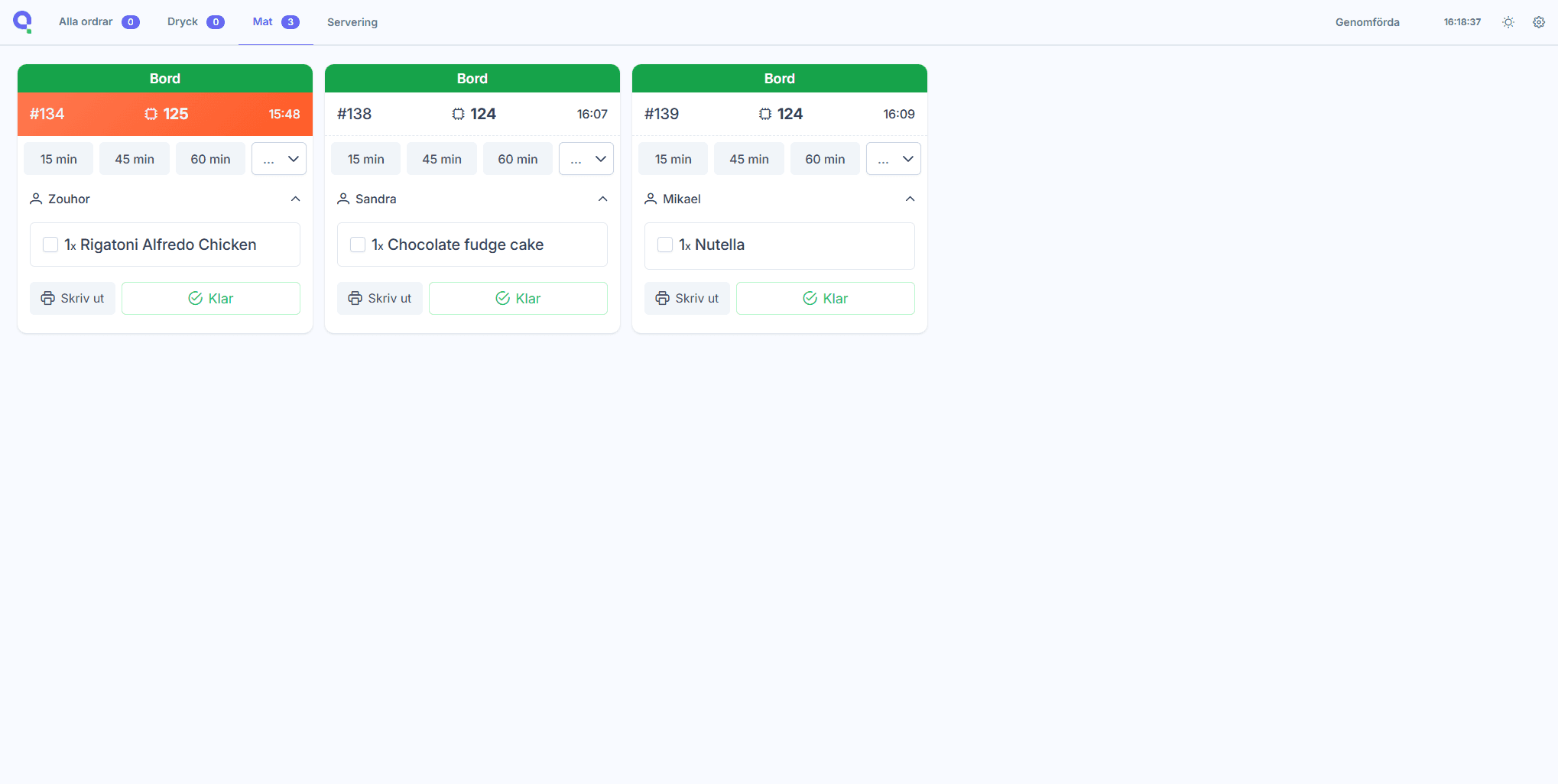
Manage incoming orders from every sales channel on a single screen, in real time.
Part of the platform
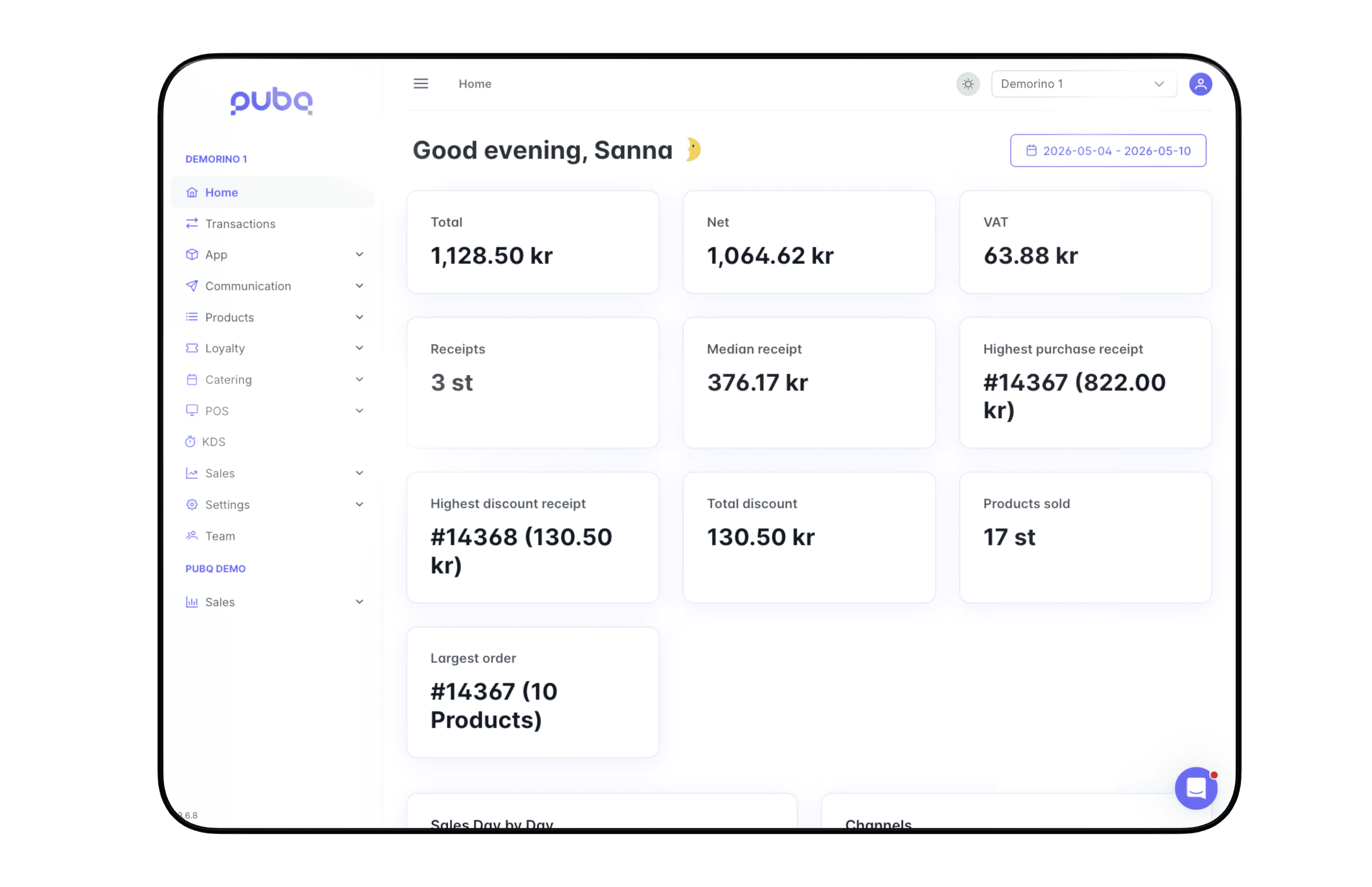
Connected to My PubQ
Orders from the app, web, kiosk, and POS arrive in the KDS in the same format. When the menu changes in My PubQ, the KDS reflects it immediately.
On the line
Configure for each station
Screens per station
Set up a screen for each station, such as hot kitchen, cold prep, bar, or pickup. Each screen only shows the orders that belong to it.
Guest notifications
When you set a ready time, the guest sees it in the channel they ordered from. When you mark the order complete, the guest is notified to collect it.
Digital and paper tickets
Run the KDS on screens, or connect a ticket printer to work with paper. The setting can be configured per station.
Mark items unavailable
When you mark a dish as sold out on the KDS, it is hidden from the app, kiosk, web, and Menu Display in real time.
"I see how much happier the staff are, I see how much faster everything moves and how the flow just runs smoothly."
Ronja Jännebring
World of Food, Gothenburg
Get in touch